How to Evaluate a Podiatry EHR Before You Buy: Sandbox Test, References, Years of Notes and Integrations 2026
November 12, 2026
Last updated:


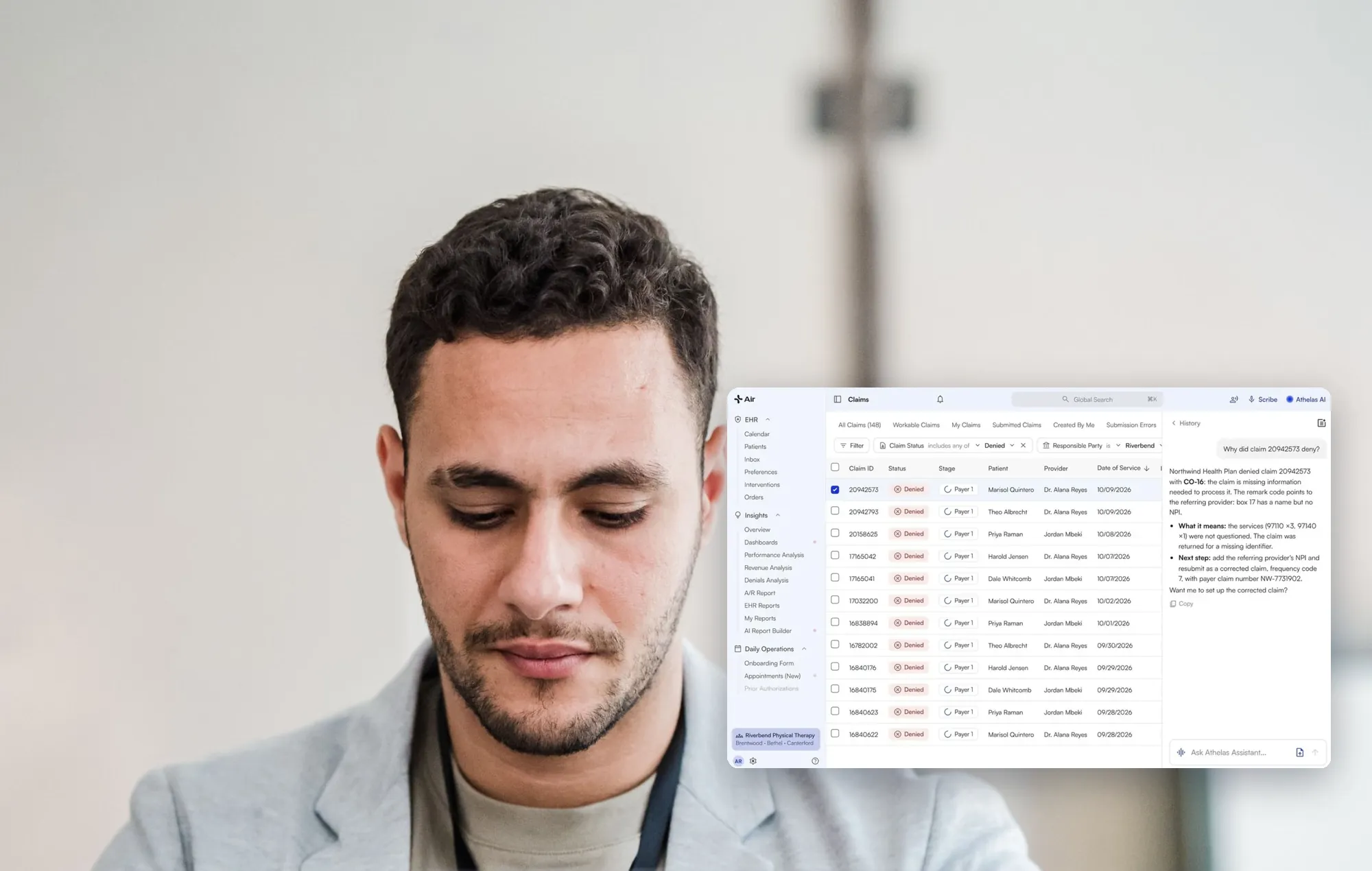
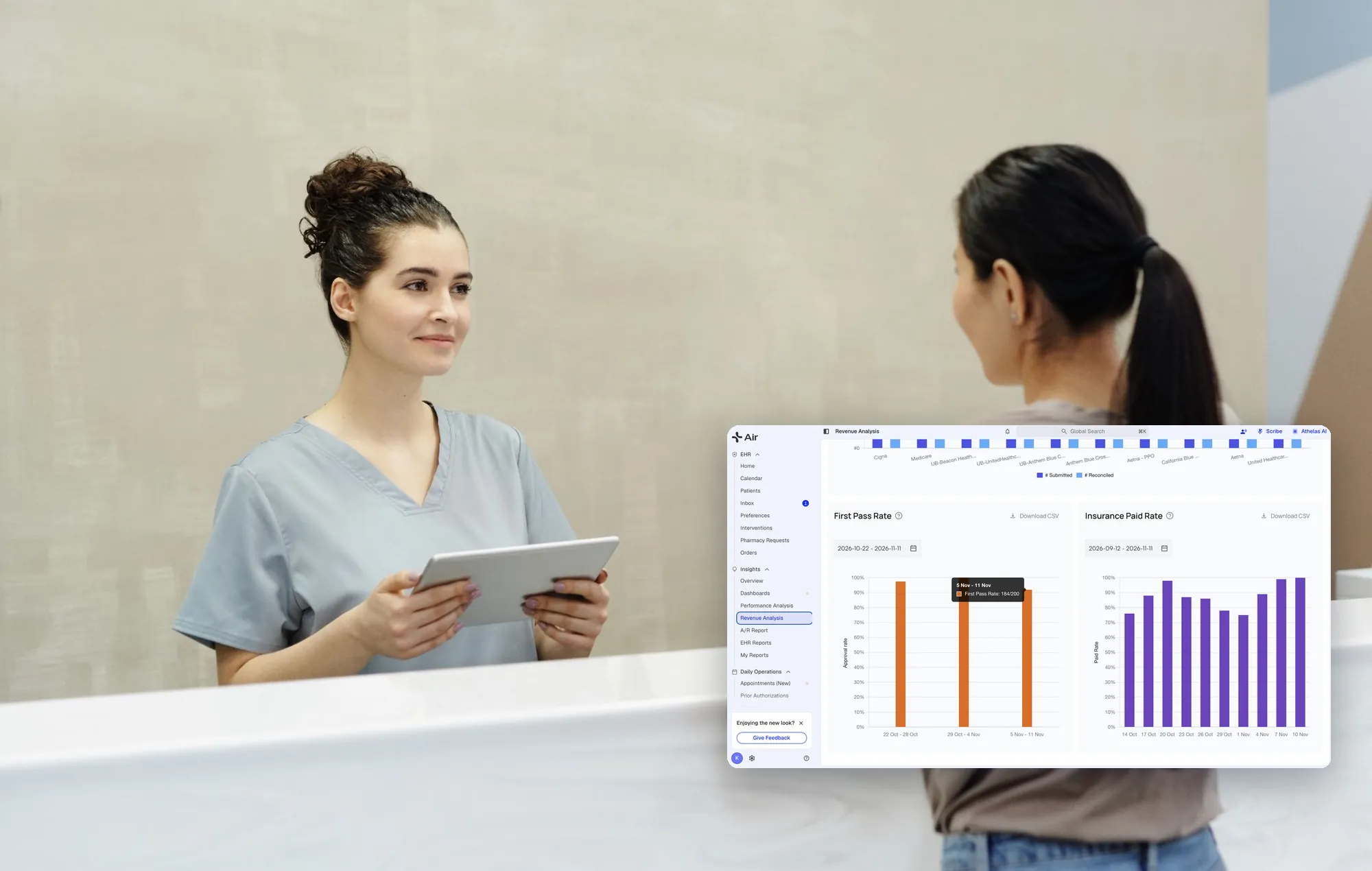
Athelas Air EHR + PM is an AI-native EHR, practice management and billing platform for cash-pay and insurance-based outpatient practices, including podiatry, with Ambient AI built in. Billing software is part of the platform, so your practice can manage its own billing workflows in the same system. Managed RCM is a separate service. An EHR is also called an EMR. This guide gives you a test plan you can run on any vendor, including us.
Key takeaways
- Test your own work. Bring real podiatry notes, injection logs and self-pay visits, not the vendor's demo chart.
- Measure the switch. Count staff hours, parallel running and old-record access, not only features.
- Ask who does the migration. Scope surprises are common.
- Write down what a vendor cannot show. A gap in the sandbox is a finding.
In analyzed calls with podiatry practices, 14% raised that switching sounds too disruptive, 10% said they had outgrown their current system, and 3% raised messy implementation (call observations, not a representative survey). That is why this plan weighs transition load as heavily as features.
How do I assess whether an EHR fits my podiatry practice's workflows before buying?
It depends on how much of your clinical and billing workflow has to carry over. Athelas Air EHR + PM is worth evaluating if you want one platform for clinical documentation, practice management and billing. Its chart note templates use sections you control, Ambient AI drafts notes in those sections, and billing software is built into the same platform. Your practice team manages the billing work; managed RCM is a separate service. If you run several specialties or need a niche module, compare vendors in the table below and run the same script on each.
What steps should a podiatry EHR evaluation follow?
Run these six steps in order. Give each vendor the same script and score them the same way.
- Define your workflows. List the ten visit types and tasks that cost you the most time. Include injections, self-pay visits, referrals, authorizations and scheduling blocks. Check: each item has an owner and a pass/fail test.
- Build a sandbox script. Turn the list into steps a front desk and a provider can click through. Ask the vendor which features the sandbox does not cover before you start. Check: the vendor confirms scope in writing.
- Test templates and the scribe on your notes. Load examples of your own past notes. Confirm templates exist before judging any scribe. One dermatology practice we heard from canceled an ambient scribe trial after two days because no templates were available. Check: a provider finishes a real note without rebuilding it from scratch.
- Test integrations and administration. Ask who configures permissions, who trains your administrator and whether outside tools are allowed during your contract. Administrators we hear from describe hunting for the right setting and depending on vendor contacts. Check: your administrator completes one setup task unaided.
- Check references. Ask for a practice of your size and specialty, ideally one that migrated from your current system. Check: the reference answers the questions listed below.
- Check the data import. Ask what arrives as structured chart data, what arrives as PDFs and who does the work. Check: you can open an old patient and find the last note.
What should I run in the sandbox?
Use a script, not a tour. Include these scenarios:
- Note template: Build or open a podiatry template and complete a visit note. Air templates are sections such as Plan of Care or Measurements, and you can add custom sections under Subjective, Objective, Assessment or Plan.
- Compliance checks: Add a compliance checkmark to a template question and see whether it ticks off as the provider documents.
- Scribe wording: Create a Text Snippet in EHR Preferences and confirm the scribe applies it in a note.
- Injection logging: Record a weekly injection without creating a full chart note. One practice we heard from keeps a full note per injection and ends up with a pile of clutter.
- Self-pay split: Check out a self-pay patient and see how charges, encounters and claims stay separate from insurance. One biller we heard from creates two cases and two encounters to do this today.
- Schedule blocks: Hard-block lunch for a provider and test whether staff can override it.
- Attachments: Find a faxed document by filtering attachments by type.
Which references should I ask for, and what should I ask?
Ask for a podiatry practice that moved from the system you use now. Then ask:
- Who did the migration work, and what stayed with your staff?
- Did you run the old system in parallel, and for how long? One podiatry practice moving to Air keeps read-only access to its old system for about 90 days to refer to old notes.
- How often did staff go back to the old system?
- How many unsigned notes and open claims did you close out before go-live?
- How long did training take for the front desk versus providers?
How do I check that years of notes arrive as chart data?
Ask the vendor to show three old patients inside the sandbox or a migrated test chart. Then separate what is structured from what is a document.
In Air, a patient's attachments tab holds uploaded files such as faxes and images, and you can view or download them. Plan of Care details may not migrate from an old EHR, so providers set up the Plan of Care once for returning patients and it then carries forward from note to note. Within the same case, a provider can pull data forward from a prior chart note.
Scope is where surprises hide. One podiatry owner assumed a CSV import was enough, then learned chart notes and PDFs also had to be pulled and did not want that work on staff. Another office manager noted staff would scan documents into two systems without a clean cutoff, and unsigned notes had to be closed before the transition.
How do the common outcomes change your decision?
A foot and ankle group we heard from on NextGen faces a costly self-host or cloud move and plans to switch within a year or two. A deadline like that is a natural moment to evaluate.
What should I do when it goes wrong?
- A vendor cannot show a workflow: Ask for a written answer and a date. Do not score it as a pass.
- The sandbox is missing a feature: Ask which features the sandbox does not include before you start, so you can test them in a live demo instead.
- Migration scope is unclear: Get a list of data categories, who does each task and how old-record access works after go-live.
- The scribe misses your style: Ask how provider-level preferences are set up and tested. Feedback can change the logic, but the AI does not learn individual doctor preferences on its own.
- Records access worries you: Ask who owns the records and how outside-record access continues if you leave.
How do podiatry EHR vendors compare?
Vendor details as of November 6, 2026, from each vendor's own pages.
We make Athelas Air, so use the same sandbox script on every row. Compare the products on the workflows you need, and verify pricing, migration scope and implementation responsibilities directly with each vendor.
How does Athelas Air handle these tests?
Athelas Air EHR + PM brings the documented pieces of your script into one platform, including clinical documentation, practice management, billing software and Ambient AI.
- Templates: Each template is a section of the chart note, reusable across appointment types, with custom sections and compliance checkmarks.
- Air Scribe: Drafts notes in your sections, and Text Snippets let you define reusable phrases that shape the wording. See Ambient AI.
- Prior notes: A curled arrow pulls data from an earlier note in the same case.
- Attachments: Faxes, images and files are searchable and filterable by type.
- Patient feedback: NPS surveys can be set per location.
- Integrations: A FHIR API with patient-level resource scopes exists, and applications register by contacting Commure (d/b/a Athelas) today.
Pricing is per provider, with EHR, practice management, billing software, Ambient AI, Athelas Assistant, clearinghouse and portal in one contract. This includes billing software for your team to use; managed RCM is a separate service. Book a demo for pricing scoped to your provider count and setup. You can also ask about the free pilot.
Migrations can be done in 30–60 days based on your practice complexity. Book time with our team to discuss your migration plan.
Which EHR migrations does Athelas Air support, and what data can move?
Athelas Air supports migrations from the systems below. The data overview summarizes each documented migration; available exports and your workflow determine the project scope.
This is a migration into Air, not live two-way integration with your old system.
What results have podiatry and similar practices seen with Athelas?
These figures come from published Athelas case studies, as of 2026. Each is one practice's result. We have no published podiatry case study for Athelas Air yet, so the podiatry result below is for Athelas RCM Managed Services, and the others are outpatient practices using Athelas Air, in some cases alongside Athelas RCM Managed Services and Ambient AI.
- Hillside Foot & Ankle (podiatry; Athelas RCM Managed Services): 80% denial rate reduction; $1m+ recovered denials; 85.3% of patient responsibility collected; $300k/month increase in collections. Read the case study.
- Raleigh Orthopaedic (orthopedics, more than 140 providers; Athelas Air, Athelas RCM Managed Services and Ambient AI): 81.5% reduction in pending site-related work items week over week; 15.3% increase in weekly revenue posted. Read the case study.
- Dr. Arthur J Ting (orthopedics; Athelas Air, Athelas RCM Managed Services, Ambient AI and Commure Agents): 15 minutes saved per patient appointment. Read the case study.
- Oxford Physical Therapy Centers (physical therapy, 11 locations; Athelas Air, Athelas RCM Managed Services and Ambient AI): ~97% first-pass claim rate. Read the case study.
These are individual customer outcomes, not guarantees. The Hillside result is an RCM case study, not evidence of a podiatry practice using Athelas Air.
Your evaluation checklist
- Written sandbox script covering templates, injections, self-pay, schedule blocks and attachments
- List of features the sandbox does not cover, confirmed before you start
- Three old patients checked for notes, PDFs and open claims
- Named owner for migration tasks and a read-only access period
- One reference matching your size and specialty
- Pricing that says what software, implementation and billing include, and whether managed billing is a separate service
Test the workflows that cost you the most, and score a gap as a gap. Request a demo or book migration planning time, or ask about the free pilot.
Frequently asked questions
How can we test a new EHR in a sandbox before signing a contract?
Write a script from your own visit types and run it with a provider and a front-desk user. Ask the vendor first which features the sandbox does not cover. Athelas offers a free pilot for Air; see the pilot page.
Can a new EHR import years of notes as usable chart data?
It depends on the source system and what it can export. Air's migration overview lists the data categories per EHR, and clinical notes may arrive as notes, PDFs or attachments depending on the system. Plan of Care details may not migrate, so providers set it up once and it then carries forward.
Which EHR offers customizable templates without rebuilding every note?
Athelas Air is built around reusable chart note sections across appointment types, with custom sections and compliance checkmarks. Test it by loading your own past notes in the sandbox and finishing a real visit note.
How can we check customer references before choosing an EHR vendor?
Ask for a podiatry practice of your size that moved from your current system. Ask who did the migration work, how long they ran the old system in parallel and how many staff hours the transition took.
How do we evaluate an AI-enabled EHR with skeptical clinicians?
Let the skeptics set the test. Have them run a real visit with Air Scribe, edit the draft and decide whether it saves time. Providers review and edit every note, and Text Snippets let them shape the wording.
What should we require from EHR integrations?
Ask who configures permissions, whether training is included and which resources the API exposes. Air's FHIR API documents patient-level scopes such as Encounter, Condition and DocumentReference, and application registration goes through Athelas today.
How long does an EHR migration take?
Migrations can be done in 30–60 days based on your practice complexity. Book time with our team to discuss your migration plan.
Sources
- Chart Note Templates (Athelas docs)
- AI Scribe for Chart Notes (Athelas docs)
- Scribe Text Snippets & Macros (Athelas docs)
- Patient Attachments (Athelas docs)
- Outreach Flows (Athelas docs)
- Commure EHR FHIR API (Athelas docs)
- ModMed podiatry
- NextGen podiatry
- Tebra pricing
- Nextech EHR
- eClinicalWorks pricing
- Athelas Air
- Hillside Foot & Ankle case study
- Raleigh Orthopaedic case study
- Dr. Ting case study
- Oxford Physical Therapy case study